TRIP PLANNER FOR iPHONE

Your booking emails,
folded into
one trip plan.

Flights, hotels, cars and tickets. Share your confirmations and get one plan with maps and travel times.

No account or login · 10 languages
Tripfold
FEATURES

From planning to memories.

Bookings scattered across email, apps and screenshots — gathered into one trip plan you can use on the road.
📩
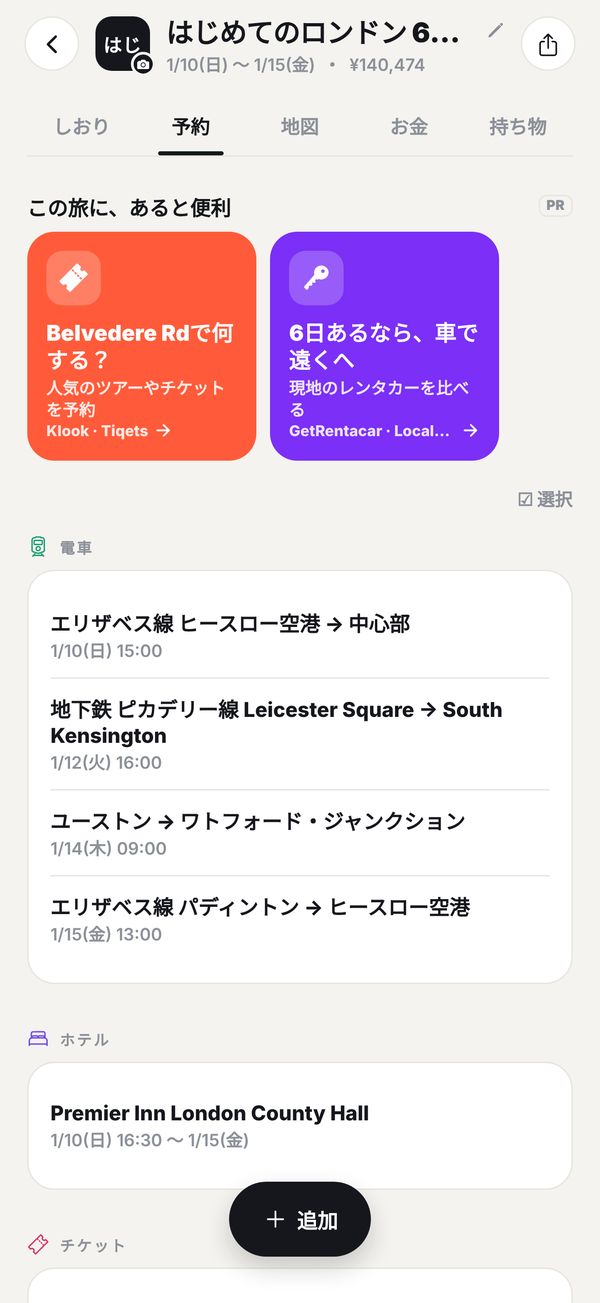
Reads your bookingsShare a confirmation email or screenshot and Tripfold picks up dates, booking codes and prices. Changes and cancellations too.
🗺️
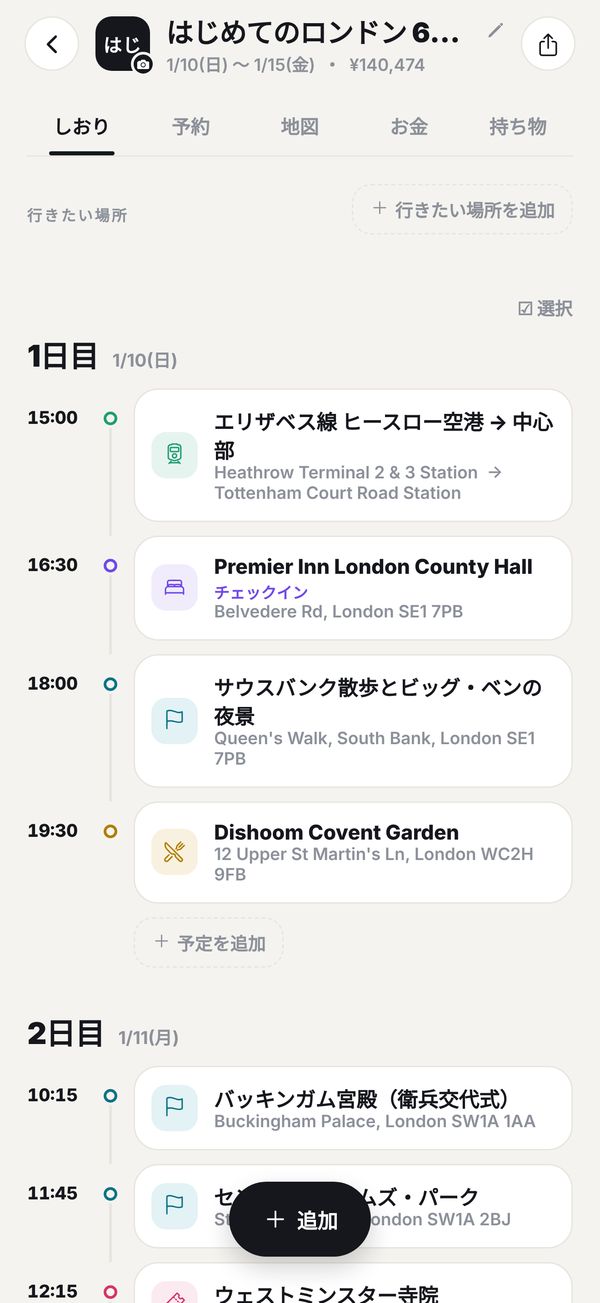
Maps and travel timesEach day on a map, with how long it takes to walk or drive to the next stop.
👫
Plan togetherShare a code and edit the trip with friends in real time — photos included.
💴
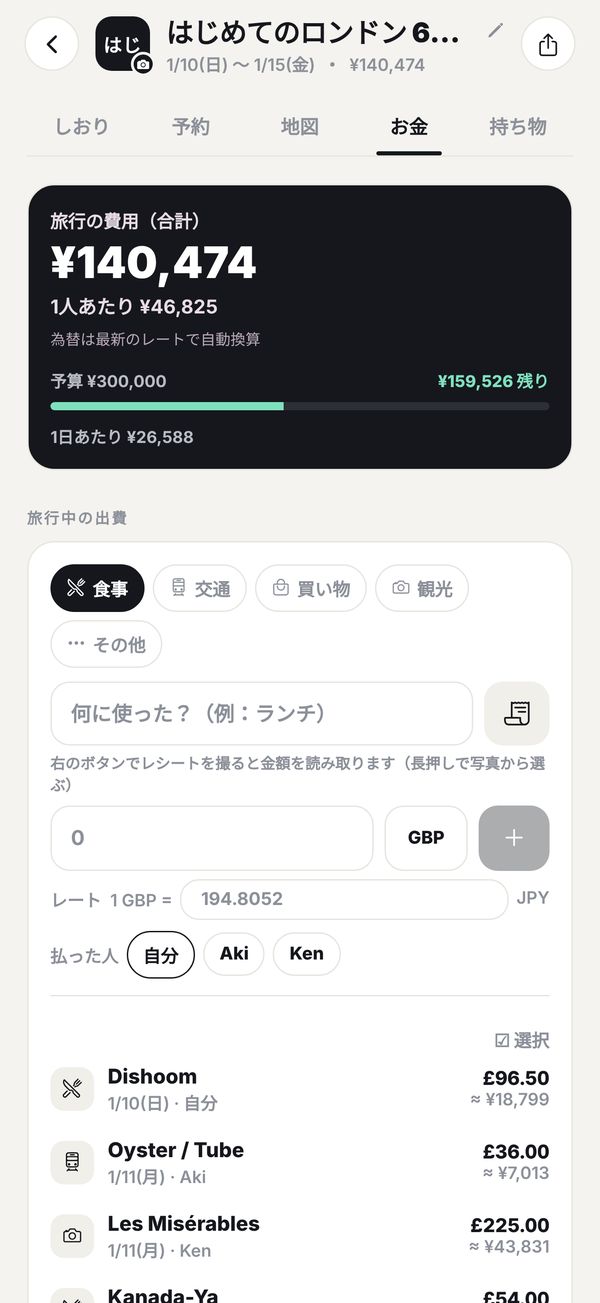
Costs and splittingMulti-currency spending, receipt scanning and who owes whom, worked out for you.
📶
Works offlineBookings and ticket QR codes are saved on your phone.
📖
Memory albumTurn each day’s photos and notes into one PDF after the trip.
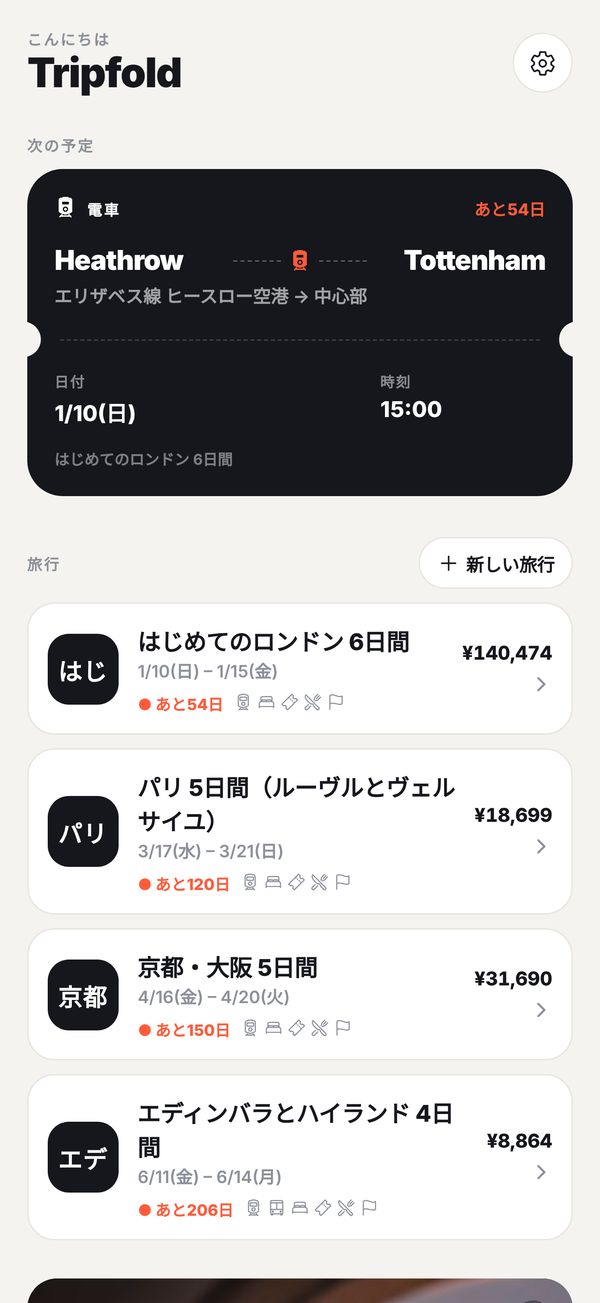
Your next plan at a glance
Day-by-day plan
Day-by-day plan
All bookings together
Cost splitting
Cost splitting
HOW IT WORKS

Three steps.

1Share a bookingSend a confirmation email or screenshot to Tripfold — or paste the text.
2Get your planDates, times and places become a day-by-day plan on a map.
3Use it togetherEdit with friends, then keep it as a memory.
TRIP PLANS

Trip plans by travellers

Real itineraries with photos and maps. Copy one into the app and make it yours.

GUIDES

Travel guides

Practical articles for your next trip. Tap a photo to read.

TRIPFOLD PLUS

More memories, together.

The app is free at its core. For unlimited shared photos and memory albums, get a Trip Pass for one trip or Tripfold Plus yearly in the app.

FAQ

Is it free?Yes. Importing bookings, the plan, maps, cost splitting and editing with one other person are free.
Where do my booking emails go?Reading happens on your iPhone. Only trips you share for co-editing are sent to the server to sync.
Do I need an account?No. Install and start right away.
What is shown when I publish a plan?Only places, day numbers, times and from/to for transport. Booking codes, prices, notes, addresses, photos and companions are never published.
GET THE APP

Plan your next trip with Tripfold.

Free for iPhone

Get it on the App Store